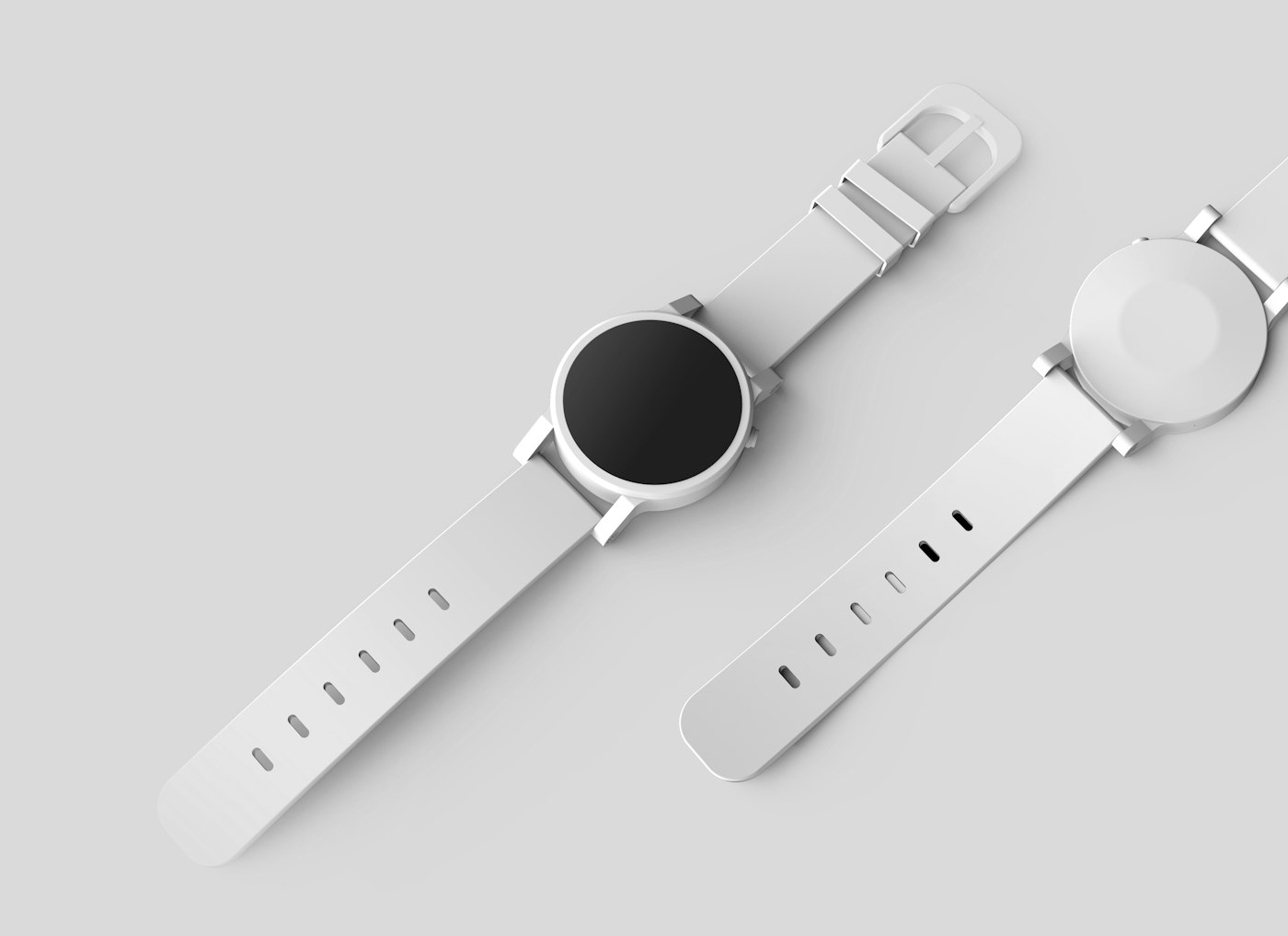
Às vezes o produto está bem fotografado, mas o fundo prejudica o anúncio: uma mesa bagunçada, uma peça de roupa ou uma planta pode desviar a atenção. Remover esses elementos deixa a imagem mais limpa e profissional.
Recortes sem fundo aparecem em anúncios de marketplace, publicações de artesanato, retratos, convites, cardápios e apresentações. Depois da remoção, a mesma foto pode ser usada sobre um fundo branco, um banner colorido ou outro cenário.
Separar o objeto principal do fundo é uma forma de segmentação de imagem: o sistema decide quais pixels pertencem ao objeto. Estúdios faziam trabalho semelhante manualmente com caminhos de recorte. A automação funciona bem quando há uma borda definida, mas perde precisão quando não existe contraste suficiente para identificar o contorno.
A fotografia de produto ainda começa antes do software: luz uniforme, fundo simples e margem em volta de alças e asas. As notas de foto de anúncio da Amazon assumem esse isolamento, então o recorte é o passo dois.
Fotografe pensando no recorte
A qualidade da remoção de fundo depende das bordas presentes na imagem. Uma preparação rápida economiza tempo na revisão, porque a ferramenta identifica melhor contornos nítidos e bem iluminados.
- Use luz uniforme. Uma janela e uma parede branca vencem uma lâmpada dura sempre.
- Crie contraste entre o objeto e o fundo. Evite fotografar itens escuros sobre superfícies escuras ou itens claros sobre superfícies claras.
- O truque da folha de papel é um clássico. Cole uma atrás e embaixo do item e você tem um fundo contínuo na hora.
- Deixe margem. Se uma alça ou uma asa encosta na borda do quadro, o recorte não tem com o que trabalhar ali.
- Evite sombras intensas. Uma sombra suave costuma funcionar, mas uma faixa escura atravessando o produto pode ser removida junto com o fundo.
Os quatro passos
Um removedor de fundo tenta o recorte a partir de uma foto normal de celular. A parte interessante não é o botão, é a borda: cabelo, alças, asas de caneca, vidro.
Quando o recorte aparecer, amplie a imagem e examine cuidadosamente toda a borda. Os pontos mais propensos a falhas são cabelos, pelos, alças, asas finas, espaços vazados, pernas de cadeira e materiais semitransparentes.
Depois, baixe o PNG transparente. Esse formato preserva a transparência, enquanto o JPG preenche a área removida com um fundo sólido. Converta para JPG apenas depois de colocar o recorte sobre o fundo final, caso precise de um arquivo menor.
O PNG transparente
O recorte ainda precisa ser colocado no fundo final. Algumas opções, em ordem aproximada de utilidade:
- Coloque o recorte sobre fundo branco em anúncios de marketplace. Muitas plataformas recomendam branco ou quase branco para a imagem principal.
- Coloque numa cor única de marca para banners e posts. Consistência instantânea em uma loja inteira.
- Combine vários recortes numa foto de comparação ou num gráfico de coleção.
- Guarde uma pasta de recortes prontos. Anúncios futuros, convites e posts podem reutilizá-los para sempre.
Um hábito de tamanho que vale copiar: mantenha a imagem final com pelo menos 1000 pixels no lado mais longo se alguém puder dar zoom, e deixe o produto ocupar a maior parte do quadro, por volta de 80 a 90 por cento. Um produto minúsculo flutuando num quadrado vazio enorme parece solitário em tamanho cheio e some em miniatura.
Onde o recorte sofre
Nenhuma ferramenta funciona perfeitamente em todas as fotos. Os casos mais difíceis incluem:
- Vidro, plástico e outros materiais transparentes. O fundo aparece através do objeto, o que dificulta a identificação de uma borda nítida. Quando possível, fotografe esses materiais diante de uma superfície uniforme e com contraste suficiente para separar o contorno.
- Cabelos soltos e texturas felpudas diante de fundos complexos, porque alguns fios podem desaparecer no recorte.
- Telas, malhas e rendas, porque centenas de pequenas aberturas dificultam a separação entre objeto e fundo.
- Desfoque de movimento e fotos fora de foco, que não oferecem uma borda definida para o recorte.
- Produto e fundo com cores semelhantes, porque há pouco contraste entre as duas áreas.
Em vez de corrigir o resultado pixel por pixel, costuma ser mais rápido refazer a foto com iluminação melhor e um fundo simples. Se apenas uma pequena área apresentar defeito, um corte um pouco mais fechado pode retirá-la do quadro.
A foto que eu refaço
Se a ferramenta não remover o fundo dentro da alça de uma caneca, eu giro o produto alguns graus para aumentar o contraste e fotografo novamente. Uma segunda foto bem preparada costuma exigir menos trabalho do que uma correção manual.
Vidros e garrafas transparentes são mais difíceis porque refletem e deixam o fundo aparecer. Nesses casos, fotografo o objeto sobre papel branco e mantenho esse fundo, em vez de aceitar um contorno irregular.
Cabelos e pelos diante de um fundo complexo podem perder fios no recorte. Levo a pessoa ou o animal para a frente de uma parede ou de um lençol, criando uma borda mais fácil de identificar.
Baixo o PNG com transparência e depois coloco o recorte sobre um fundo branco ou uma cor da marca. Não converto para JPG antes de definir o fundo final, porque achatar a imagem cedo demais elimina a transparência.
Também deixo uma margem ao redor do objeto durante a fotografia. Quando uma alça encosta na borda do quadro, faltam pixels para definir o contorno; é melhor preservar algum espaço e cortar a imagem depois.
Antes de publicar, abro o resultado sobre um fundo claro e outro escuro. Essa comparação revela contornos brancos, áreas transparentes que deveriam continuar preenchidas e pequenos pedaços do fundo original. Se o defeito aparecer nas duas versões, refaço o recorte ou volto à foto original com melhor contraste.
Amplie a borda antes de confiar na prévia, porque cabelos, alças, asas de caneca e vidro são áreas em que o recorte costuma falhar. Se o contorno estiver irregular, refaça a foto com luz melhor e um fundo simples; alguns minutos de preparação podem evitar muito trabalho de correção.