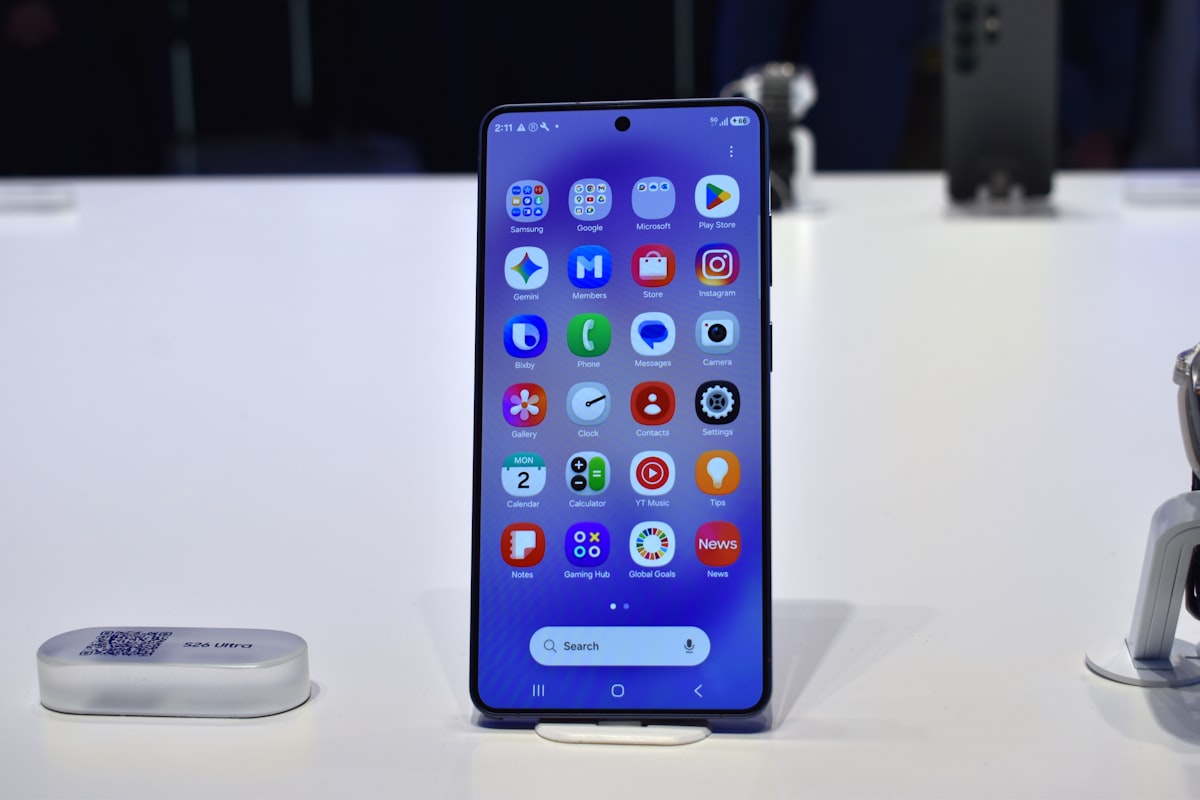
Fotos de perfil geralmente são exibidas em círculos, por isso a imagem quadrada perde os cantos. Elementos próximos das bordas e até parte do cabelo podem desaparecer no recorte.
Cantos arredondados também aparecem em ícones e cards. Veja a prévia antes de confirmar para evitar cortes no rosto ou em elementos importantes.
As Human Interface Guidelines de ícones de aplicativos da Apple explicam que você envia um quadrado e o sistema aplica a máscara. O formato de quadrado arredondado usado pelo iOS se aproxima de um squircle, não de um círculo simples, por isso um PNG arredondado manualmente e o ícone exibido na tela inicial raramente ficam idênticos.
Avatar de rede social é mais simples e mais cruel, porque a máscara vira círculo depois do upload. Um círculo inscrito num quadrado guarda cerca de 78% dos pixels, e os 22% perdidos são todos cantos, então veja esse corte antes de a plataforma fazer isso em público.
Por que vira círculo
Um círculo desenhado dentro de um quadrado ocupa cerca de 78% da área. Isso significa que aproximadamente um quinto da foto desaparece no recorte, principalmente nos cantos, onde podem estar uma mão, um logo ou outro elemento importante.
As plataformas usam círculos para manter todos os avatares no mesmo formato no feed e na seção de comentários. Como a máscara é aplicada depois do envio, o resultado pode cortar partes importantes da imagem.
O raio
Raio de canto é só o quanto de cada esquina some, medido contra o tamanho da imagem. Três ajustes cobrem quase tudo:
1. Por volta de 20%: o visual moderno de ícone de app, macio e amigável, ainda claramente um quadrado.
2. Por volta de 35%: território de cartão e widget, mais redondo que um ícone e ainda não um círculo.
3. 50%: círculo cheio numa imagem quadrada, o ajuste de prévia de avatar.
Se você está montando como um logo vai ficar como ícone estilo iOS, comece perto de 20%. Se quer saber o que Discord ou Instagram vão fazer com o seu rosto, vá direto aos 50.
Arredonde antes de enviar
1. Corte a imagem para um quadrado primeiro se ela ainda não for, porque arredondar um retângulo largo entrega uma pílula, não um círculo, e pílula é para dor de cabeça.
2. Veja a máscara com bordas arredondadas.
3. Use cerca de 50% para simular um avatar e aproximadamente 20% para um ícone com cantos arredondados.
4. Exporte em PNG, porque PNG guarda os cantos transparentes e JPG não armazena transparência, então os cantos saem sólidos em vez de vazados.
5. Confira se nada importante está na zona de perigo perto das bordas.
Na imagem de origem, maior é melhor. Avatar passa a maior parte da vida minúsculo, mas também aparece grande na página de perfil, então um quadrado de pelo menos 400 pixels de lado te deixa seguro quase em todo lugar, e 1000 pixels é confortável.
O que cabe no meio
Quando a prévia circular estiver visível, ajuste a composição para esse formato. Centralize o rosto, deixe os olhos um pouco acima do meio e mantenha uma margem entre o topo da cabeça e a borda, porque um enquadramento adequado no quadrado pode ficar apertado no círculo. Para logos, mantenha toda a marca dentro de uma área circular segura.
Depois de arredondar, observe o resultado em tamanho pequeno. Reduza a prévia ou afaste-se da tela, porque o avatar costuma aparecer como miniatura e todos os elementos precisam continuar legíveis.
Essa é a principal função da prévia. Em geral, você envia o quadrado original e a plataforma aplica a própria máscara, mas a visualização arredondada mostra antecipadamente quais partes serão cortadas.
Como isso dá errado
1. Evite detalhes importantes nos cantos, porque eles ficarão fora da área visível.
2. Exportar JPG e se perguntar para onde foi a transparência.
3. Arredondar uma foto que não é quadrada e esperar um círculo. Quadrado primeiro, arredondar depois.
4. Usar um PNG parcialmente arredondado como avatar em uma plataforma que aplica a própria máscara circular, porque as duas máscaras podem produzir um recorte irregular.
5. Enviar uma imagem de origem minúscula: arredondar não adiciona nitidez, e um círculo embaçado continua embaçado.
Nenhum desses problemas é difícil de corrigir quando você consegue visualizar o recorte antes do envio. Essa é a principal utilidade da prévia.
Rosto que vive cortado
Se o círculo come o cabelo ou o queixo, eu não subo o raio e torço. Volto ao quadrado e empurro a pessoa para baixo ou para dentro até a cabeça ficar no meio, com ar em volta, porque a máscara é fixa e o recorte não é.
Foto de grupo é o pior caso, porque um círculo quer um assunto. Dois rostos dividindo um quadrado perdem alguém na borda, toda vez, então eu escolho uma pessoa ou não uso aquele quadro como avatar.
Em ícones de aplicativos, mantenho as letras longe dos cantos. Uma letra que parece correta no quadrado pode perder parte do desenho quando o sistema arredonda a imagem; se houver o nome da marca, reduzo o texto até que continue legível na miniatura.
A prévia em que eu confio
A tela de envio da maioria dos aplicativos mostra uma imagem quadrada, embora o avatar final seja circular. Eu verifico primeiro a prévia em círculo e depois envio o quadrado solicitado. Só exporto um PNG já arredondado quando preciso desse formato fora da plataforma, porque duas máscaras sobrepostas podem reduzir demais a área visível.
Eu olho a prévia no tamanho de uma moeda, depois no tamanho de um selo. Se a pessoa ainda é uma pessoa no tamanho de selo, o recorte está pronto, e se vira pescoço ou luminária eu mexo no quadrado de novo.
Para um logo na tela inicial, eu mantenho a marca dentro de um círculo imaginário menor e desconsidero os cantos, porque o sistema também vai cortá-los. Tentar ocupar todo o quadrado só aumenta o risco de perder parte do desenho.
Se a imagem original for muito pequena, o recorte circular não aumentará a nitidez. Procuro um arquivo com resolução maior ou mantenho a versão disponível sem ampliá-la.
Para avatares, em geral você envia o quadrado original, porque a plataforma aplica a própria máscara. A prévia arredondada mostra antecipadamente quais partes permanecerão visíveis e permite corrigir o recorte.